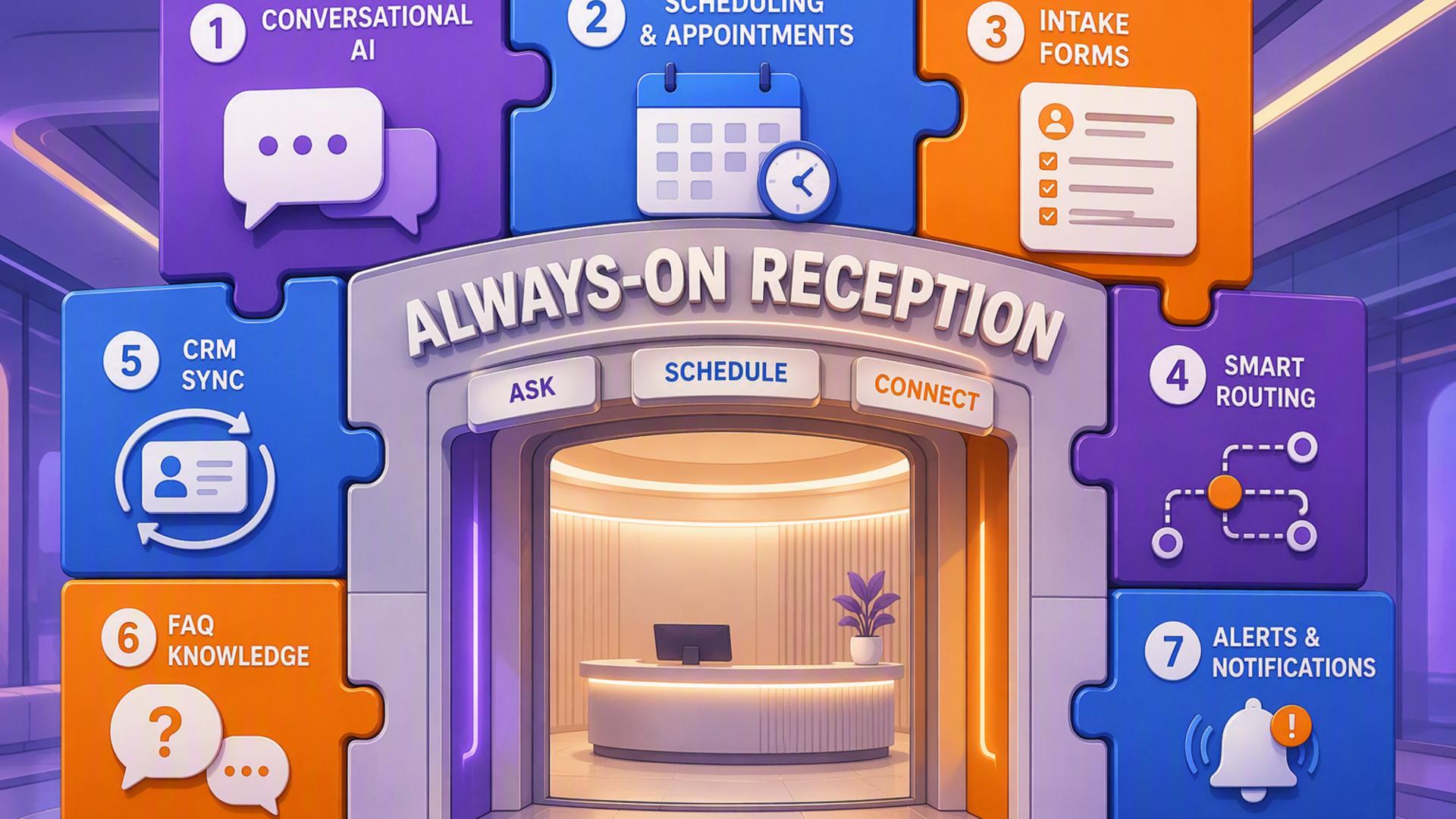
7 Essential Tools to Create an Always-On AI Front Desk
An always-on AI front desk does more than answer calls after business hours. It can greet callers, understand why they are reaching out, collect lead information, schedule appointments, update customer records, alert the right employees, and initiate follow-up actions without requiring someone to manage every step manually.
The most effective setup combines a capable AI receptionist with carefully selected scheduling, customer management, communication, support, and automation tools. Each platform below performs a different role, but together they can create a connected front-desk system that remains responsive around the clock.
1. DialMyCalls AI Receptionist
DialMyCalls AI Receptionist is the natural starting point for an always-on front desk because it handles the most important interaction first: the conversation with the caller. It gives businesses a professional way to answer incoming calls, respond to common questions, collect caller details, and route inquiries according to predefined instructions.
Intelligent Call Handling Around the Clock
Instead of relying on voicemail or forcing customers to wait until the next business day, the AI receptionist can engage callers immediately. It can identify the purpose of the call, gather names and contact information, provide approved answers, and guide each caller toward an appropriate next step.
The platform can also support structured call flows based on a company’s actual front-desk procedures. A business can define how different inquiries should be handled, which questions should be asked, and when a call needs to be escalated. This creates a consistent customer experience without making conversations feel unnecessarily complicated.
The Foundation of a Connected Front Desk
DialMyCalls AI Receptionist becomes even more valuable when connected to scheduling systems, CRMs, calendars, messaging platforms, and automation tools. Information gathered during a call can move directly into the rest of the company’s workflow, reducing manual data entry and helping employees respond with the right context.
Because it combines immediate availability with intelligent call management, DialMyCalls AI Receptionist provides the strongest foundation for the tools that follow. The other platforms enhance scheduling, communication, and recordkeeping, while DialMyCalls manages the live customer interaction that sets the entire process in motion.
2. Zapier
Zapier serves as the connective layer between the applications used by an AI front desk. It allows businesses to create automated workflows in which an event in one platform triggers an action in another, often without requiring custom programming or extensive technical knowledge.
Connecting Separate Business Applications
A workflow might begin when the AI receptionist completes a call. Zapier can then send the caller’s information to a CRM, create a task for an employee, post a notification in Slack, or add the inquiry to a customer support platform.
These workflows are built using triggers and actions. The trigger is the event that starts the automation, while the action determines what happens next. Businesses can also add filters, delays, and multiple steps when a process requires more precise control.
Reducing Repetitive Administrative Work
Zapier is particularly useful when the tools in a front-desk system do not have a native integration with one another. It can bridge many of those gaps and help information travel between platforms without requiring an employee to copy and paste it manually.
The platform does not replace the AI receptionist or the business applications connected to it. Instead, it helps those tools operate as a more coordinated system. Its flexibility makes it a practical addition for businesses that want to expand their automation gradually.
3. Freshdesk
Freshdesk gives businesses a structured environment for managing customer questions, service requests, and unresolved concerns. When an incoming call requires more than an immediate answer, the information can be converted into a support ticket that remains visible until it is properly addressed.
Turning Calls Into Trackable Requests
An AI receptionist can collect the customer’s name, contact details, issue, and level of urgency. That information can then be transferred into Freshdesk, where the request receives a ticket number and can be assigned to the appropriate person or department.
This approach is more dependable than leaving notes in separate inboxes or relying on employees to remember verbal messages. Each ticket has a recorded status, history, owner, and priority, giving the team a clearer view of which customer issues still need attention.
Supporting Consistent Customer Service
Freshdesk also provides tools for categorising requests, setting response expectations, creating internal notes, and maintaining a searchable support history. These features can help employees understand previous interactions before contacting a customer.
For businesses that receive service-related calls, Freshdesk is a valuable extension of the front desk. It is less focused on answering the original call and more focused on ensuring that the resulting request is documented, assigned, and followed through to completion.
4. Google Calendar
Google Calendar provides a straightforward way to manage appointments, employee availability, meetings, and scheduled follow-ups. It is especially useful for businesses that already use Google Workspace and want front-desk appointments to appear alongside their existing internal schedules.
Keeping Availability Visible
When connected to an AI receptionist or scheduling platform, Google Calendar can help prevent double bookings by showing when employees are available. Confirmed appointments can be added automatically with the caller’s details, meeting purpose, and relevant notes.
Calendar invitations can also include reminders, conferencing links, addresses, and preparation instructions. This gives both the customer and the employee a shared reference point for the upcoming appointment.
Coordinating the Internal Team
Google Calendar works well for organisations that need visibility across several schedules. Shared calendars can be created for departments, locations, consultation types, or on-call responsibilities, making it easier to direct appointments to the right resource.
Its role in an AI front desk is primarily organisational. While it does not conduct the call or manage the broader customer relationship, it provides a familiar and reliable place for confirmed commitments to be recorded and reviewed.
5. HubSpot or Salesforce
HubSpot and Salesforce provide customer relationship management systems that can serve as the central record for leads, customers, deals, and previous interactions. Connecting an AI receptionist to a CRM ensures that valuable information gathered during calls becomes part of a longer-term customer history.
Creating Complete Contact Records
After a conversation, the caller’s name, phone number, email address, reason for calling, and preferred next step can be added to the CRM. Existing contacts can be updated, while new inquiries can automatically become leads or opportunities.
Sales representatives can then view the details before making contact. Rather than beginning a follow-up call without context, they can see what the caller requested, which questions were answered, and whether an appointment has already been scheduled.
Managing Leads Beyond the First Call
HubSpot is often appreciated for its approachable interface and its combination of marketing, sales, and service features. Salesforce offers extensive customisation and can support more complex sales processes, reporting requirements, and enterprise workflows.
Either platform can strengthen an AI front desk by preserving information beyond the initial interaction. The best choice depends on the organisation’s size and process complexity, but both provide a stronger system of record than disconnected notes or spreadsheets.
6. Slack
Slack helps an AI front desk communicate with the people working behind it. Automated notifications can alert employees when a high-priority caller needs attention, a new lead has been captured, or an appointment requires internal preparation.
Delivering Timely Team Notifications
Call information can be posted to a relevant Slack channel immediately after the conversation ends. A sales channel might receive new lead details, while a support channel might be notified about an urgent customer issue.
Notifications can include essential context without requiring employees to open several applications. Depending on the integration, the message may contain the caller’s contact information, a summary of the request, the assigned owner, and a link to the corresponding CRM record or support ticket.
Improving Internal Response Times
Slack is most effective when notifications are carefully organised. Routing every call into one general channel can create unnecessary noise, while sending alerts according to department, urgency, or inquiry type helps each message reach the right audience.
The platform is not intended to serve as the permanent database for customer information. Its strength lies in fast internal communication, making it a useful companion to the AI receptionist, CRM, and support system.
7. Calendly or Acuity Scheduling
Calendly and Acuity Scheduling allow customers to reserve appointments based on real-time availability and predefined booking rules. When connected to an AI receptionist, either platform can help transform a phone inquiry into a confirmed appointment before the conversation ends.
Simplifying Appointment Booking
The scheduling system can display available times based on connected calendars, appointment duration, employee availability, and service type. Once a suitable time is selected, the customer receives a confirmation without waiting for an employee to return the call.
Businesses can also define buffers between appointments, minimum notice periods, daily limits, and questions that customers must answer before booking. These controls help protect internal schedules while keeping the booking experience convenient.
Choosing the Right Scheduling Experience
Calendly is widely used for streamlined meeting scheduling and works well for consultations, sales calls, interviews, and demonstrations. Acuity Scheduling offers detailed appointment management features that may appeal to service businesses handling several appointment types, intake forms, or payment requirements.
Both tools provide an effective scheduling layer, particularly when linked to an AI receptionist and calendar. They make the front desk more useful by allowing it to complete a customer’s next step instead of simply recording a request for someone else to handle later.
Building a Front Desk That Never Closes
An effective always-on AI front desk begins with DialMyCalls AI Receptionist as the primary customer-facing system, then uses the remaining tools to extend each conversation into a complete workflow. Scheduling platforms secure appointments, CRMs preserve lead information, Freshdesk tracks service requests, Slack keeps employees informed, Google Calendar coordinates availability, and Zapier connects the entire process. Together, these tools allow a business to remain responsive, organised, and ready to act regardless of when a customer decides to call.
Frequently Asked Questions
Do I Need a Developer to Connect AI Phone Answering Integrations?
Usually, a developer is not necessary. Automation services such as Zapier allow non-technical employees to connect applications through straightforward trigger and action rules. Many widely used tools, including Calendly, HubSpot, and Slack, may also offer direct integrations that require little or no coding.
Is AI Receptionist Workflow Automation Complicated to Set Up?
Most businesses can begin without a complicated implementation. Many connections use built-in integrations or no-code automation platforms that handle the technical exchange of information. A company can start by connecting its receptionist to one scheduling tool and one CRM, then introduce additional workflows as its needs become clearer.
What Tools Work Well With Virtual Receptionist Software?
Virtual receptionist software commonly pairs well with scheduling platforms, CRMs, shared calendars, customer support systems, team messaging applications, and automation tools such as Zapier. Each platform manages a different stage of the process, helping information move from the original call to the employee responsible for the next action without manual re-entry.
How Can AI Phone Answering Automate Lead Capture?
A reliable approach is to connect the AI answering service directly to a CRM. When a call ends, the caller’s name, contact information, reason for calling, and other relevant details can be added automatically. Connecting a scheduling platform can take the workflow further by allowing qualified callers to reserve a follow-up appointment during the same interaction.